
Every website you’ve ever visited—from a local bakery’s homepage to a global news platform—exists because of two foundational building blocks: a domain name and a hosting service. Most people use websites every day without giving these two things a second thought. But for anyone looking to build a website, understanding how they work together is the first and most important step.
This guide breaks down exactly what domains and hosting are, how they work, and what you need to know to get your website live on the internet. By the end, you’ll have a clear picture of what to look for when choosing the right domain and hosting services for your project.
What Is a Domain Name?
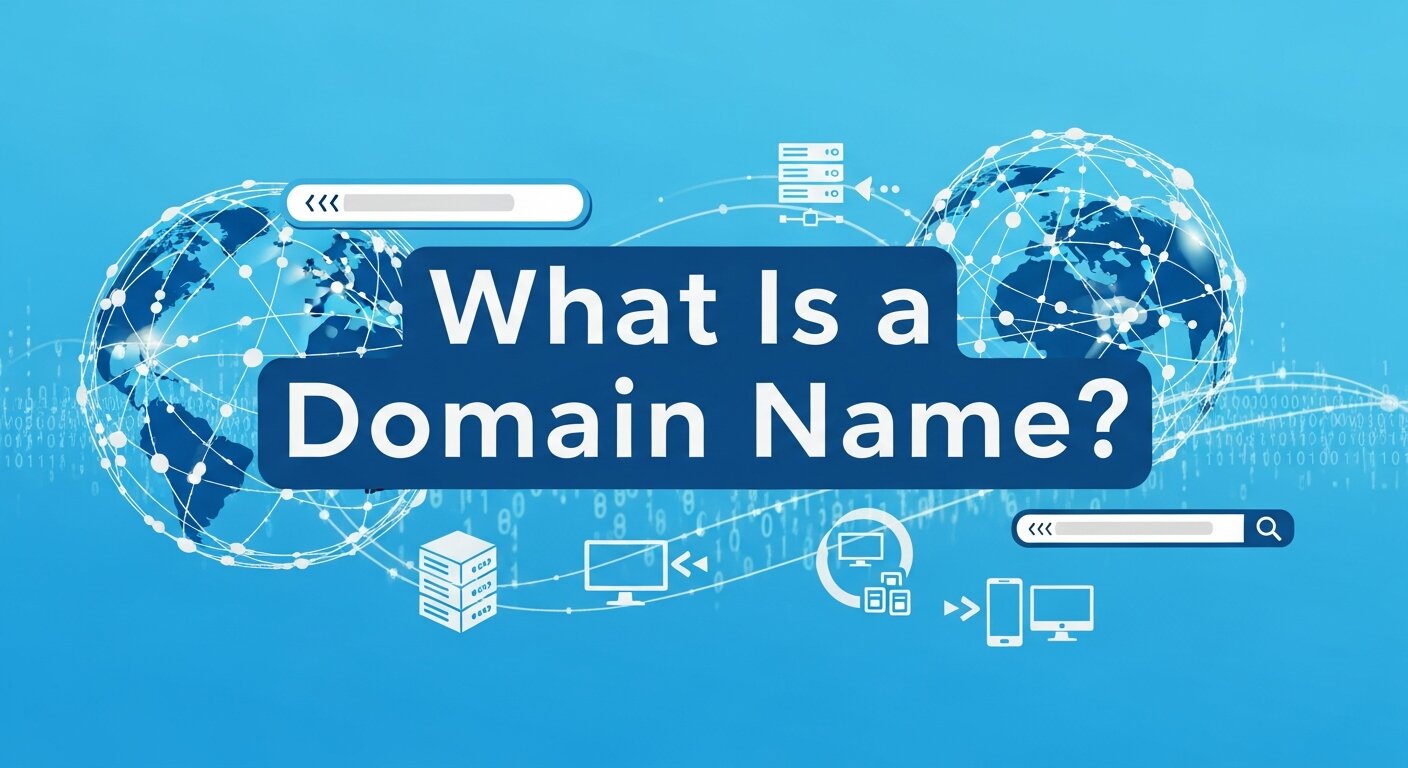 A domain name is your website’s address on the internet. It’s what people type into their browser to find you—like
 sanmo.us or google.com. Without a domain, visitors would need to enter a string of numbers (called an IP address) to reach your site. That’s not exactly memorable.
Domain names consist of two main parts:
- The second-level domain (SLD): This is the unique name you choose, such as “sanmo” or “amazon.”
- The top-level domain (TLD): This is the extension that follows the dot—
.com,.org,.net,.us, and so on.
Together, they form the full domain name.
How Domain Registration Works
Domain names are registered through companies called domain registrars—organizations accredited by ICANN (the Internet Corporation for Assigned Names and Numbers), the nonprofit body that oversees global domain name management.
When you register a domain, you’re essentially leasing it for a set period, typically one year, with the option to renew. If you don’t renew, the domain becomes available for someone else to claim. That’s why it’s important to keep track of renewal dates once you’ve registered a name you care about.
Some key things to consider when choosing a domain:
- Keep it short and memorable. Shorter names are easier to type and share.
- Avoid hyphens and numbers. These are easy to mistype and often look unprofessional.
- Choose the right TLD.
.comremains the most widely recognized, but country-specific or niche TLDs can work well depending on your audience. - Check for trademark conflicts. Make sure your chosen name doesn’t infringe on an existing brand.
What Is Web Hosting?
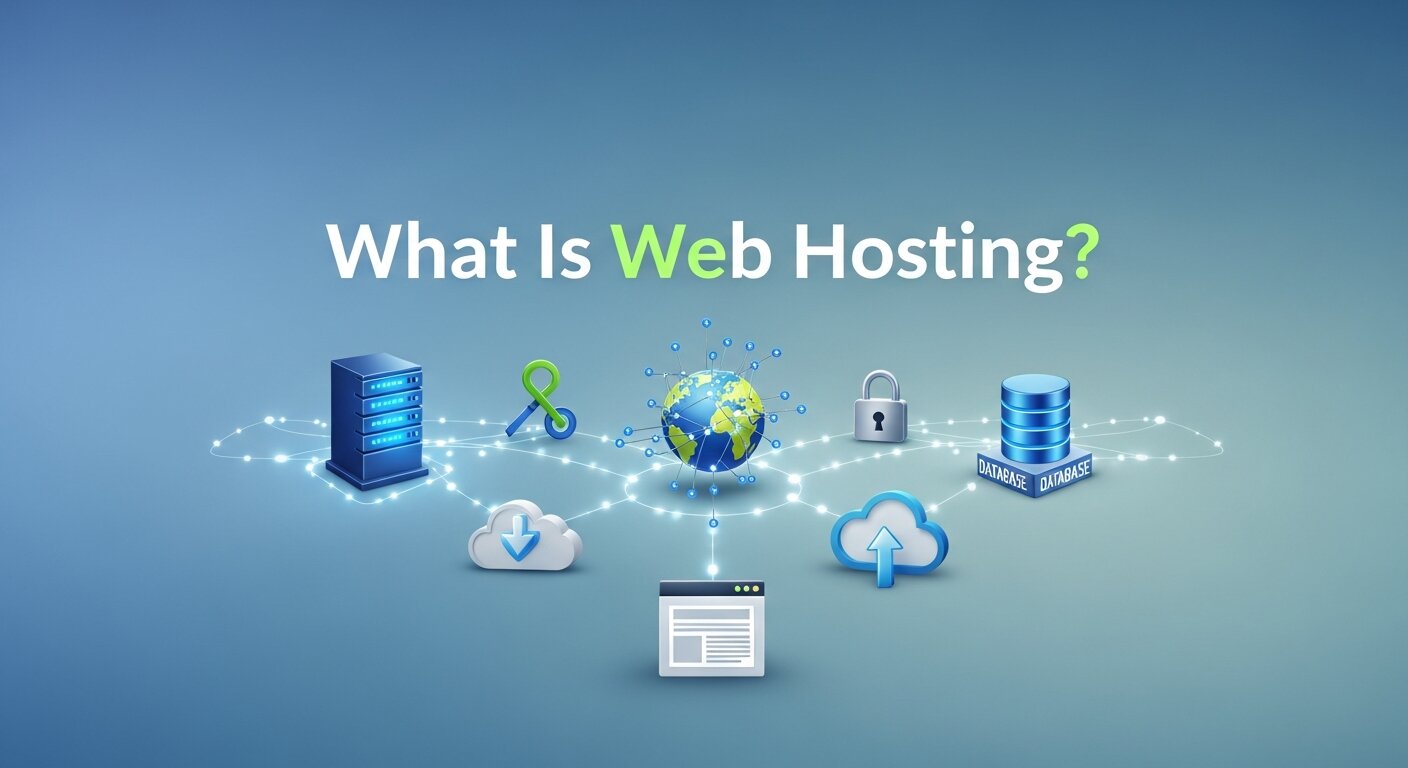 If your domain name is your address, then web hosting is the property itself—the physical (or virtual) space where your website’s files actually live.
When someone types your domain into their browser, their computer sends a request to your hosting server, which then delivers the files needed to display your site. This all happens in a fraction of a second.
Web hosting providers store your website’s data on powerful servers that are connected to the internet around the clock. Choosing the right hosting plan affects everything from your site’s speed to its ability to handle traffic spikes.
Types of Web Hosting
Not all hosting is created equal. Here’s a breakdown of the most common types:
Shared Hosting
Your website shares server resources—storage, bandwidth, processing power—with other websites. This is the most affordable option and works well for small websites with moderate traffic. The tradeoff is that performance can dip if a neighboring site experiences a traffic surge.
VPS Hosting (Virtual Private Server)
A middle ground between shared and dedicated hosting. Your site still shares a physical server with others, but it has its own dedicated portion of resources. Faster, more reliable, and more customizable than shared hosting.
Dedicated Hosting
Your website gets an entire server to itself. This offers maximum performance and control, but comes at a higher cost. Best suited for large businesses or high-traffic websites.
Cloud Hosting
Rather than relying on a single server, cloud hosting distributes your site’s data across multiple servers. This means better uptime, scalability, and resilience. If one server goes down, others pick up the slack.
Managed WordPress Hosting
A specialized option for WordPress sites, where the hosting provider handles technical maintenance, updates, and security. Ideal for users who want a hands-off experience.
How Domains and Hosting Work Together
Domains and hosting are two separate services, but they need to be connected for your website to go live. Here’s the process:
- Register a domain with a domain registrar.
- Purchase a hosting plan with a hosting provider.
- Update your DNS settings. DNS, or Domain Name System, acts as the Internet’s phonebook. By pointing your domain’s DNS records to your hosting server, you’re telling the internet where to find your website’s files when someone enters your domain name.
Some providers offer both domain registration and hosting under one roof—a convenient option that simplifies the setup process. SanMo US, for example, provides integrated domain and hosting services that let you manage everything in one place, reducing the technical friction of connecting the two separately.
What to Look for in Domain & Hosting Services
Choosing the right provider isn’t just about price. Here are the key factors to evaluate:
Uptime Reliability
Uptime refers to the percentage of time your website is accessible online. Look for providers that guarantee 99.9% uptime or higher. Even a small drop in uptime can mean lost visitors and revenue.
Speed and Performance
Page load speed directly affects user experience and SEO. A slow site frustrates visitors and can cause them to leave before it finishes loading. Look for hosting providers that offer SSD storage, CDN (Content Delivery Network) integration, and server locations close to your target audience.
Security Features
Good hosting providers include core security features like SSL certificates (the padlock in your browser’s address bar), firewalls, malware scanning, and DDoS protection. An SSL certificate is especially important—it encrypts data exchanged between your site and its visitors, and it’s now a basic expectation for any website.
Scalability
Your needs will change as your website grows. Choose a provider that allows you to upgrade your plan easily without significant downtime or data migration headaches.
Customer Support
Technical issues can arise at any time. Round-the-clock customer support—ideally via live chat, phone, and email—is a non-negotiable for most website owners.
Pricing and Renewal Rates
Watch out for promotional pricing that jumps significantly at renewal. Always check the renewal rate before committing to a plan.
Common Mistakes First-Time Website Owners Make
Getting a website online for the first time comes with a learning curve. These are some of the most frequent missteps to avoid:
- Registering a domain and forgetting to set up hosting. A domain name alone doesn’t create a live website—you need hosting too.
- Letting a domain expire. Set up auto-renewal to avoid losing a domain you’ve invested in.
- Choosing hosting based on price alone. The cheapest option often cuts corners on speed, security, or support.
- Ignoring backups. Make sure your hosting plan includes regular automated backups. Losing your website’s data without a backup is a disaster that’s entirely preventable.
- Not getting an SSL certificate. Modern browsers flag sites without SSL as “Not Secure,” which erodes visitor trust immediately.
Importance of Choosing the Right Domain Name
Choosing the right domain name is one of the most important steps when building a website. Your domain represents your brand identity online and is often the first impression visitors have of your business. A clear, simple, and memorable domain name helps users find your website easily and increases the chances that they will return. It also plays a role in search engine visibility, especially when the name relates to your niche or business category. A strong domain builds credibility and trust among users, making them more comfortable interacting with your website. Businesses that choose confusing or overly long domain names often struggle with brand recognition. Taking time to select the right domain can greatly impact your website’s long-term growth and online reputation.
The Role of DNS in Website Connectivity
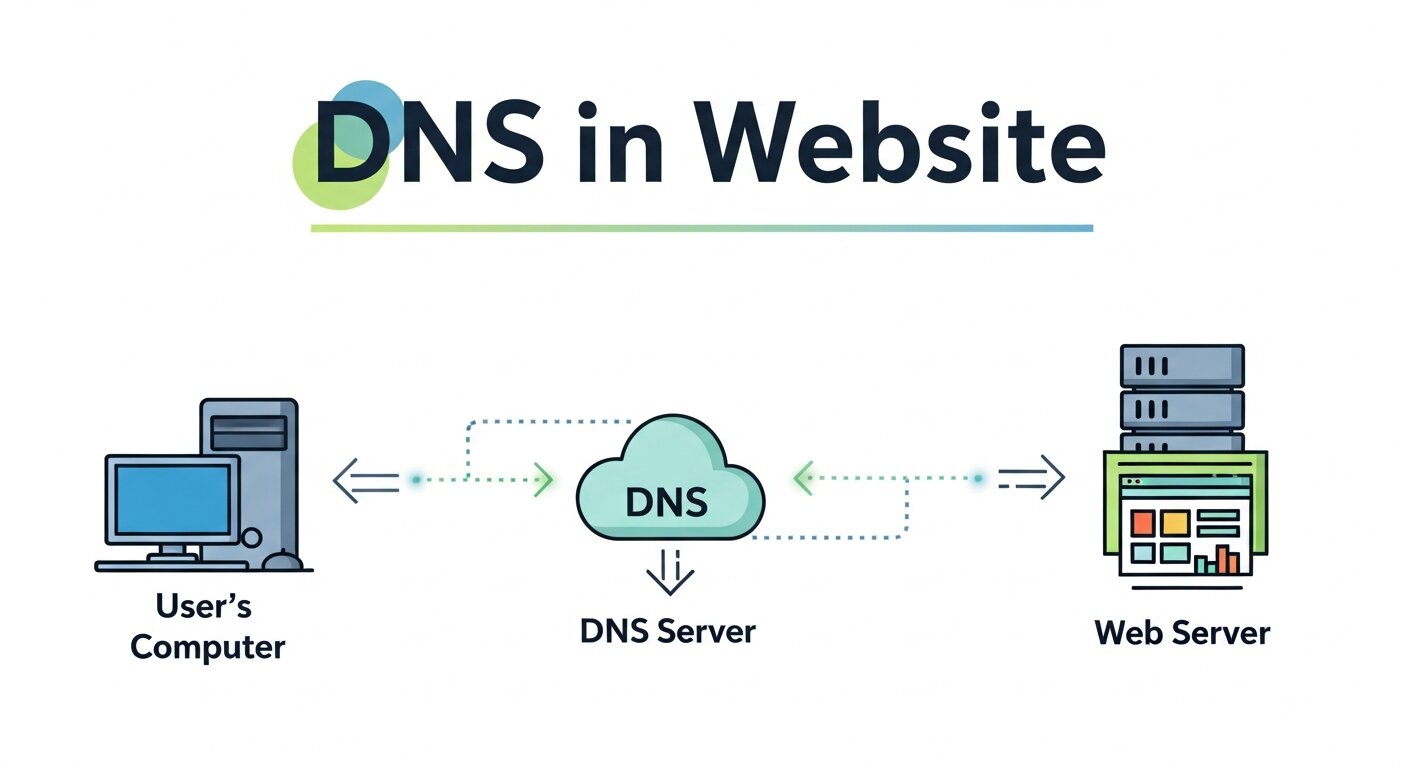 The Domain Name System (DNS) plays a crucial role in connecting domain names with hosting servers. It works like a translator between human-friendly domain names and the numerical IP addresses computers use to communicate. When someone types a domain into their browser, the DNS system quickly looks up the associated IP address and directs the request to the correct hosting server. Without DNS, users would need to remember complex strings of numbers instead of simple domain names. DNS also manages records that control email routing, website verification, and subdomain configuration. Proper DNS configuration ensures your website loads correctly and reliably for visitors around the world. Understanding how DNS functions can help website owners troubleshoot connection issues and manage domain settings more effectively.
The Importance of Website Backups
Website backups are a critical safety measure that many beginners overlook. A backup is essentially a saved copy of your website’s files, databases, and configurations that can be restored if something goes wrong. Websites can face unexpected problems such as hacking attempts, server failures, software conflicts, or accidental file deletion. Without a backup, recovering lost data can be extremely difficult or even impossible. Reliable hosting providers usually offer automated daily or weekly backups to protect your website. Having multiple backup points ensures that you can restore your site to a recent working version quickly. Regular backups give website owners peace of mind and protect valuable content, customer data, and design work that may have taken months or years to build.
Understanding Website Scalability
Scalability refers to your website’s ability to handle growth without performance issues. As your website attracts more visitors, the demand on your hosting server increases. If your hosting environment cannot scale properly, your website may slow down or even crash during high traffic periods. Scalable hosting solutions allow you to increase resources such as storage, bandwidth, and processing power when needed. Cloud hosting and VPS hosting are popular choices for scalable environments because they allow flexible resource allocation. Planning for scalability from the beginning ensures your website can grow smoothly as your audience expands. Businesses that anticipate growth often choose hosting providers that offer simple upgrades, allowing them to expand their website capabilities without major disruptions or complex migrations.
Website Security Best Practices
 Website security should always be a top priority for website owners. Cyber threats such as malware, phishing attacks, and data breaches can damage both your website and your reputation. A secure hosting environment includes essential protections like SSL certificates, firewalls, malware scanning, and regular software updates. SSL encryption ensures that data exchanged between your website and visitors remains private and secure. In addition to hosting security features, website owners should use strong passwords, enable two-factor authentication, and keep plugins or software updated. Regular security monitoring also helps detect suspicious activity before it becomes a serious problem. By prioritizing security, you protect your visitors, safeguard sensitive information, and maintain the trust and credibility of your online presence.
Frequently Asked Questions
1. Do I need to buy a domain and hosting from the same provider?
No, you can purchase them separately. However, using one provider for both simplifies setup and management. If you do use different providers, you’ll need to update your domain’s DNS settings to point to your hosting server.
2. Can I change my hosting provider after my site is live?
Yes. Migrating a website to a new hosting provider is a relatively common process. Many hosting providers will even handle the migration for you. Just make sure your site is fully backed up before initiating a move.
3. What’s the difference between a domain and a website?
A domain is just an address. A website is the collection of files, content, and code stored on a hosting server that visitors actually see. You need both to have a functioning website.
4. How long does it take for a website to go live?
Once your domain is registered, hosting is set up, and your DNS settings are updated, it can take anywhere from a few minutes to 48 hours for the changes to propagate across the internet—a process called DNS propagation.
5. What is an SSL certificate and do I need one?
An SSL (Secure Sockets Layer) certificate encrypts data between your website and its visitors. Yes, you need one. Beyond security, Google uses HTTPS (which requires SSL) as a ranking signal, and browsers warn users when a site doesn’t have it.
6. What happens if my hosting goes down?
Your website becomes temporarily inaccessible until service is restored. This is why uptime guarantees and reliable customer support are important. A quality hosting provider will typically notify you of downtime and resolve it quickly.
Getting Started: Your Next Steps
Understanding how domains and hosting work together removes much of the mystery around building a website. The process is more straightforward than it might seem: register a domain name that reflects your brand, choose a hosting plan that fits your needs, and connect the two.
For those looking to streamline the process, SanMo US offers reliable domain and hosting services designed to get your website live with minimal friction. Whether you’re launching a personal blog, a small business site, or a growing e-commerce store, the right foundation makes everything easier to build on.
Your website starts with a single decision—choosing the right domain and hosting services. Make that decision with confidence, and the rest follows naturally.