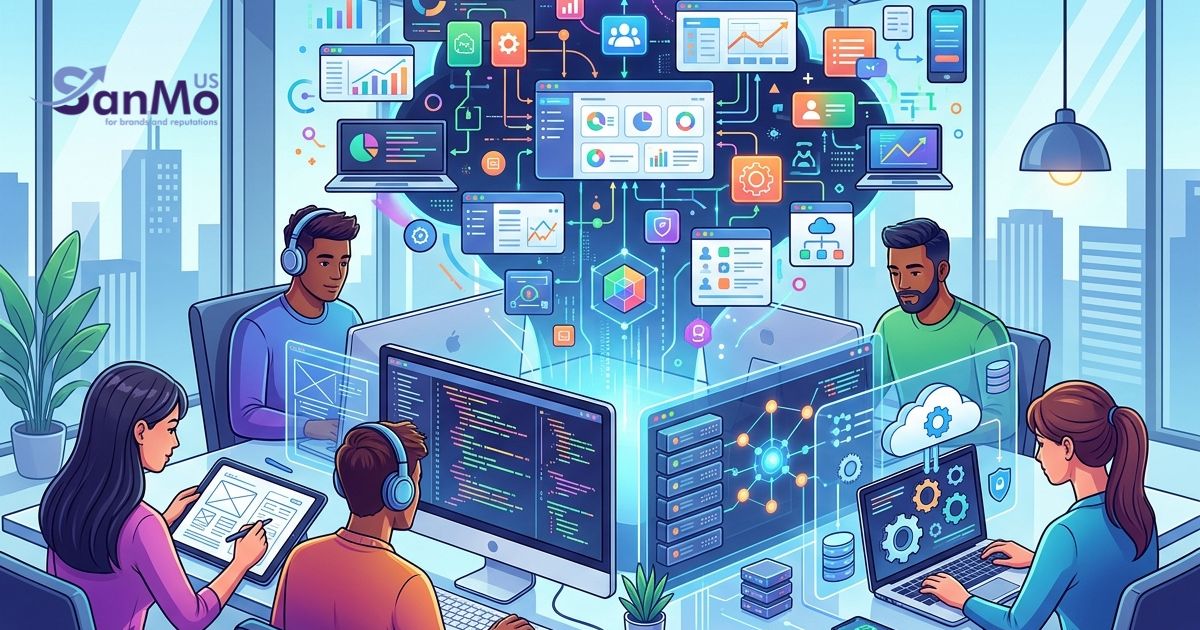
Every website you visit started as a simple idea. Bringing that idea to life requires a specific set of skills, tools, and strategies. Learning how to build digital spaces opens up countless career opportunities and allows you to create platforms that reach a global audience.
Starting a new career path can feel overwhelming. You might look at complex websites and wonder how anyone writes that much code or designs such intricate layouts. The secret is that every expert started exactly where you are right now. They learned the basics, built small projects, and gradually expanded their knowledge over time.
This guide will walk you through the core concepts of web design and development. You will learn the difference between designing a site’s look and programming its functionality. We will cover the essential languages you need to learn, the best tools to use, and how SanMo US can support your transition into the tech industry. By the end of this post, you will have a clear roadmap for launching your new digital career.
Understanding Web Design and Development
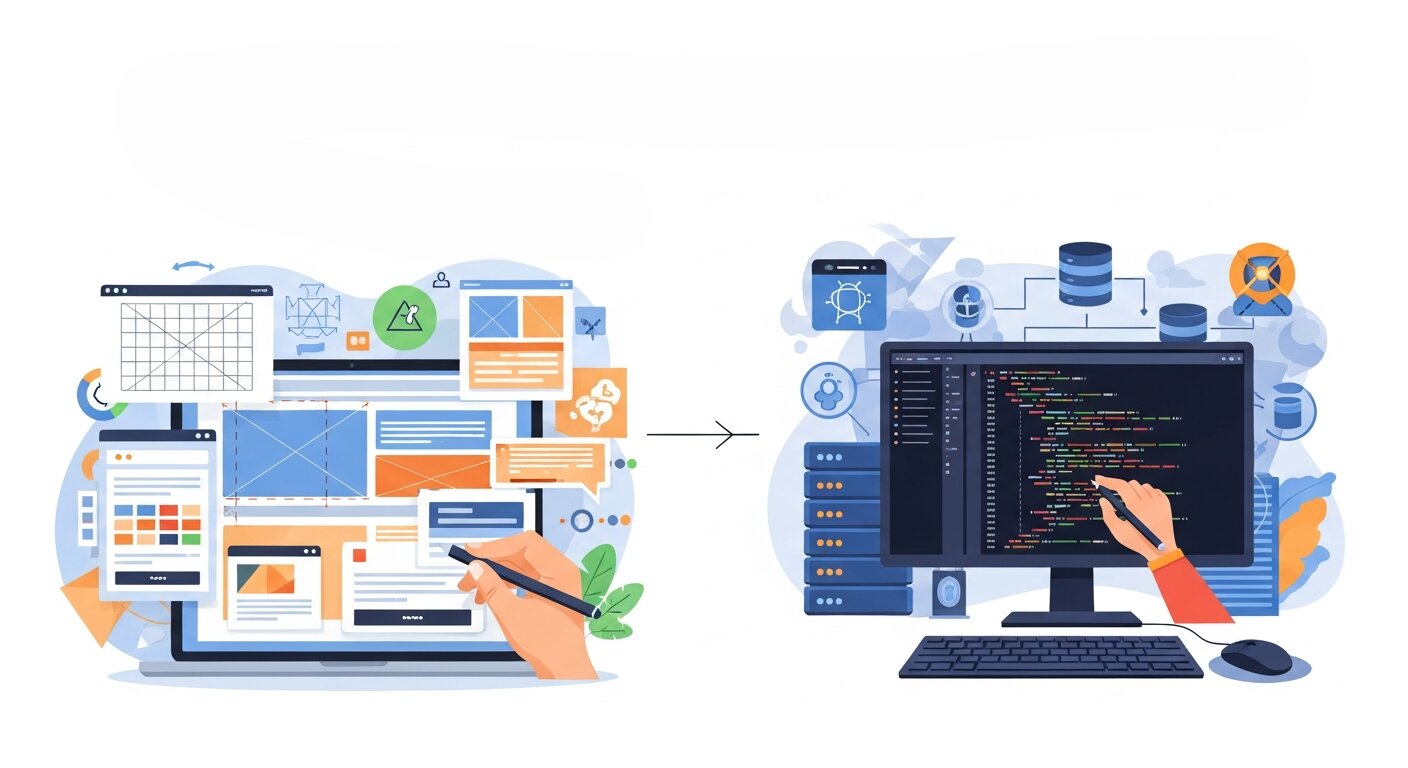 People often use the terms web design and web development interchangeably. They are actually two distinct disciplines that work closely together to create functional, attractive websites. Understanding how they differ is the first step in your educational journey.
The Role of Web Design
Web design focuses entirely on the visual aesthetics and user experience of a website. Designers decide how a site looks and feels. They choose color palettes, select typography, and plan the layout of different pages. Their primary goal is to create an intuitive interface that guides visitors smoothly from one piece of information to the next.
A successful web designer understands human psychology and user behavior. They know where a user’s eye naturally falls on a screen and use that knowledge to place important buttons or links. They also ensure the website looks great on all devices, from massive desktop monitors to small smartphone screens.
The Role of Web Development
Web development takes the visual plans created by designers and turns them into a working website. Developers write the code that makes buttons clickable, forms submittable, and pages load quickly. They handle the technical architecture that keeps the site running securely on the internet.
Development is typically split into two main categories. Front-end development deals with the parts of the website that users interact with directly. Back-end development focuses on the servers, databases, and application logic operating behind the scenes. Some professionals master both areas and are known as full-stack developers.
Essential Skills You Need to Learn
You do not need a traditional computer science degree to succeed in web design and development. Many industry professionals are entirely self-taught. You just need to focus on acquiring the right foundational skills.
Visual Design Principles
If you lean toward the design side, you must study basic visual principles. Learn about color theory to understand which shades complement each other. Study typography to see how different fonts impact readability and brand perception. Grid systems and alignment are also crucial concepts. They help you organize content so pages look structured and professional.
Core Programming Languages
Developers need to learn the holy trinity of the web: HTML, CSS, and JavaScript.
HTML (HyperText Markup Language) provides the basic structure of a web page. It defines where headings, paragraphs, and images belong. CSS (Cascading Style Sheets) controls the presentation. You use CSS to add colors, adjust spacing, and create responsive layouts that adapt to different screen sizes.
JavaScript adds interactivity. It allows you to create dynamic elements like image sliders, pop-up modals, and complex animations. Mastering these three languages gives you the power to build almost any front-end interface.
Choosing Your Tools and Software
Professionals rely on specific software to streamline their workflows. Familiarizing yourself with industry-standard tools will make your learning process much smoother.
Top Design Applications
Figma currently dominates the web design industry. It allows multiple designers to collaborate on a single project simultaneously, much like Google Docs. Adobe XD and Sketch are also popular alternatives. These programs let you create wireframes and high-fidelity mockups before any code is written.
Development Environments
Developers need a good code editor. Visual Studio Code is a free, powerful editor used by millions of programmers. It offers extensions that catch typos, format your code automatically, and make writing syntax much faster. You should also learn the basics of Git and GitHub. These version control systems help you track changes to your code and collaborate with other developers.
How SanMo US Supports Your Digital Journey
Transitioning into the tech industry requires the right resources and guidance. SanMo US provides aspiring tech professionals with comprehensive training materials, mentorship programs, and networking opportunities. We understand the unique challenges beginners face when learning web design and development.
SanMo US offers structured learning paths tailored to your specific career goals. We connect you with industry veterans who review your portfolio and provide actionable feedback. Our community forums give you a safe space to ask technical questions and find collaborators for your early projects. Partnering with SanMo US ensures you never have to navigate the complex tech landscape alone.
Building Your First Project
The most effective way to learn web design and development is through hands-on practice. Reading tutorials will only get you so far. You need to open your code editor and start building.
Start with a simple project, like a personal portfolio website. Design the layout in Figma first. Decide what colors represent your personal brand and map out the pages you need. Once the design is finished, use HTML and CSS to build the actual site. Do not worry about making it perfect on the first try. The goal is to apply what you have learned and troubleshoot the problems you encounter along the way.
Understanding Website Performance Optimization
 Website performance plays a major role in user satisfaction and search engine ranking. Slow-loading websites often lead to higher bounce rates and lost opportunities. Optimizing performance involves reducing file sizes, compressing images, and minimizing unnecessary code. Developers also use caching techniques and Content Delivery Networks (CDNs) to speed up loading times. A fast website not only improves user experience but also builds trust with visitors. Learning performance optimization techniques ensures your projects run efficiently and meet modern web standards. This skill is highly valued in the industry and can set you apart from other beginners.
The Role of SEO in Web Development
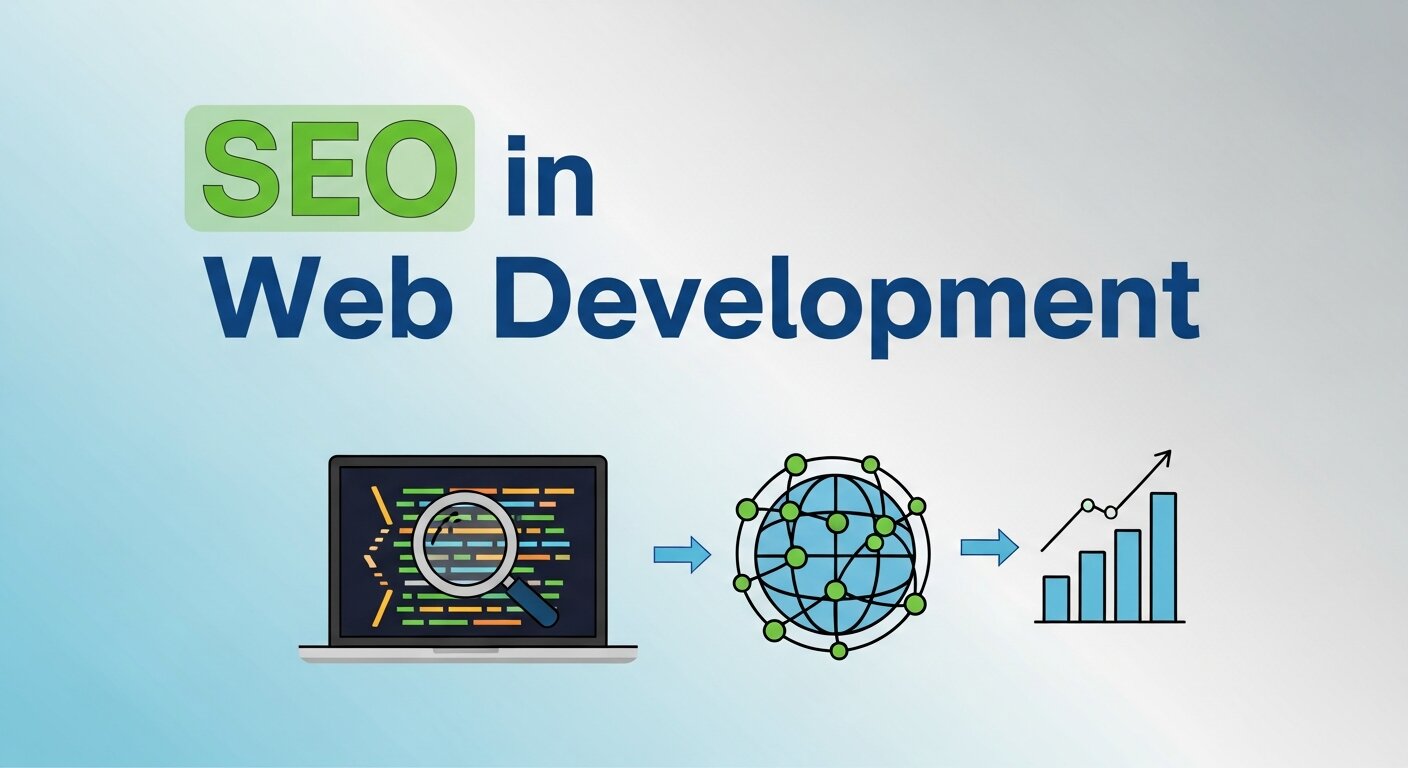 Search Engine Optimization (SEO) helps websites become more visible on search engines like Google. While SEO is often associated with content, developers also play a crucial role. Proper HTML structure, fast loading speed, and mobile responsiveness all impact SEO performance. Developers must ensure clean code, proper use of tags, and optimized images. Integrating SEO best practices during development makes it easier for websites to rank higher. Understanding SEO basics helps you build websites that not only look good but also attract traffic, making your projects more effective and valuable.
Introduction to Content Management Systems (CMS)
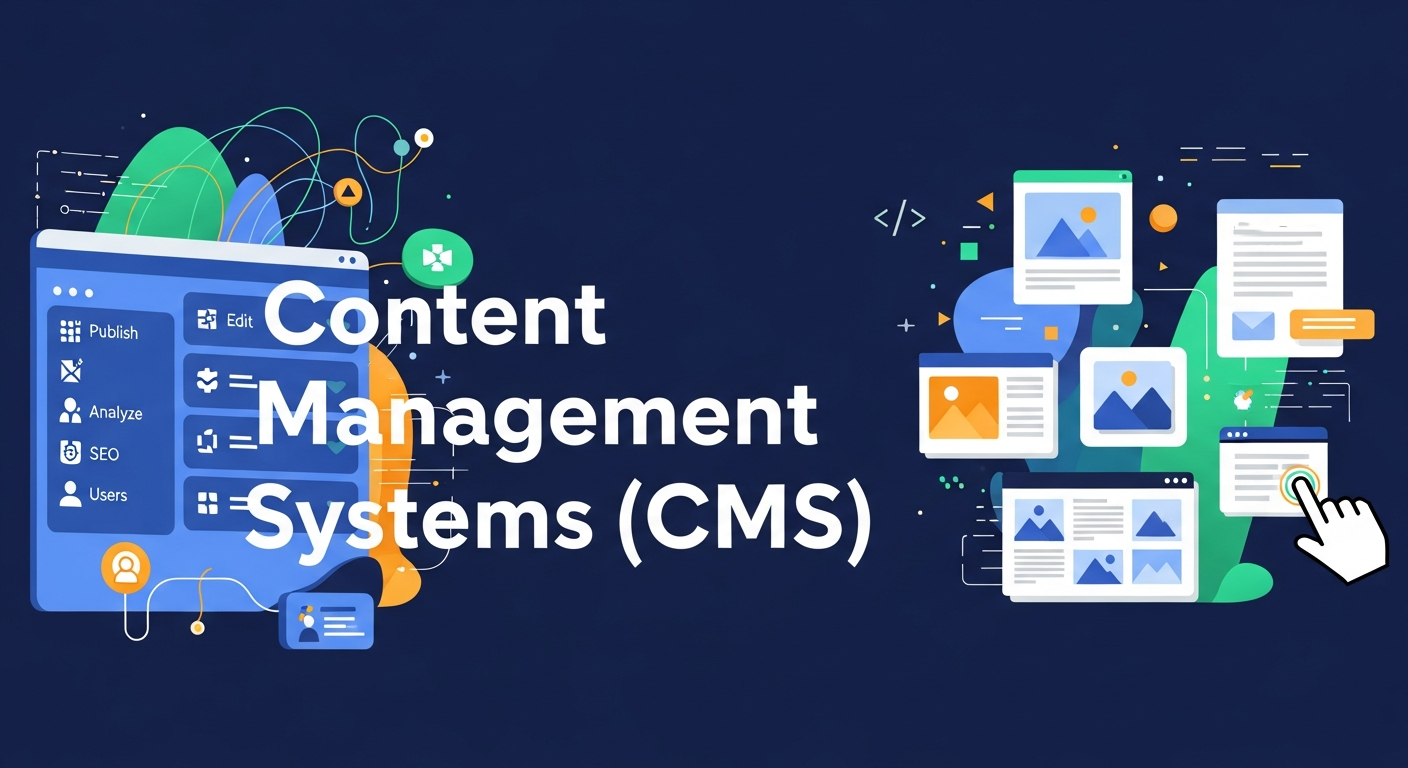 Content Management Systems (CMS) allow users to create and manage websites without deep coding knowledge. Platforms like WordPress, Joomla, and Drupal are widely used across the industry. A CMS simplifies tasks such as publishing blog posts, updating content, and managing media files. For beginners, learning how to work with a CMS can be a quick way to start building websites. Developers can also customize CMS platforms using themes and plugins. Understanding CMS tools expands your skill set and opens opportunities to work with clients who need easy-to-manage websites.
Basics of Web Security
Web security is a critical aspect of development that protects websites from hackers and data breaches. Developers must understand common threats such as cross-site scripting (XSS), SQL injection, and phishing attacks. Implementing security measures like HTTPS, secure authentication, and data encryption helps protect user information. Regular updates and strong password policies also play an important role. Learning web security basics ensures that your websites are safe and trustworthy. Clients and users are more likely to engage with platforms that prioritize data protection and privacy.
Version Control and Team Collaboration
Version control systems like Git help developers manage and track changes in their code. This is especially important when working in teams. Git allows multiple developers to collaborate on the same project without overwriting each other’s work. Platforms like GitHub provide a space to store code, review changes, and manage projects efficiently. Learning version control improves your workflow and makes collaboration easier. It also helps you maintain a history of your work, allowing you to revert to previous versions if needed. This skill is essential for modern development environments.
Building a Strong Portfolio
A strong portfolio showcases your skills and projects to potential employers or clients. It acts as proof of your abilities and creativity. Your portfolio should include a variety of projects, such as landing pages, responsive websites, and interactive applications. Each project should highlight your design and development skills. Adding descriptions of your process and challenges can make your portfolio more engaging. Regularly updating your portfolio with new work shows growth and dedication. A well-organized portfolio increases your chances of landing job opportunities in the tech industry.
Staying Updated with Industry Trends
The web design and development industry evolves rapidly, with new tools, frameworks, and trends emerging regularly. Staying updated is essential to remain competitive. Follow industry blogs, watch tutorials, and participate in online communities to keep learning. Trends like AI integration, no-code tools, and progressive web apps are shaping the future of the web. By continuously improving your skills, you can adapt to changes and stay relevant. A commitment to lifelong learning ensures long-term success in your web development career.
Frequently Asked Questions
Do I need to be good at math to learn web development?
No, advanced math is rarely used in typical web development. Basic arithmetic is usually enough to calculate margin sizes or layout widths. Logical problem-solving skills are much more important than mathematical expertise.
How long does it take to learn web design and development?
The timeline varies depending on your dedication and learning speed. Most people can learn the basics of HTML and CSS within a few weeks. Becoming proficient enough to land an entry-level job typically takes six months to a year of consistent, daily study.
Should I learn design or development first?
It depends entirely on your personal interests. If you enjoy art, color, and user psychology, start with design. If you love solving puzzles and building logical systems, begin with development. Eventually, you will naturally learn aspects of both as they overlap constantly in real-world projects.
What is the difference between UI and UX?
UI (User Interface) refers to the specific visual elements of a website, like buttons, icons, and colors. UX (User Experience) is the broader concept of how a user feels when interacting with the site. Good UX ensures the website is logical, easy to navigate, and solves the user’s problem efficiently.
Next Steps for Aspiring Tech Professionals
Starting a career in web design and development is a rewarding process that demands patience and persistence. You have learned the difference between designing interfaces and writing code. You know which core languages to study and what tools to download.
Now it is time to take action. Set aside a few hours this week to explore HTML basics or sketch out a website idea on paper. Reach out to the team at SanMo US to discover how our resources can accelerate your learning. The tech industry is constantly growing, and there is a place for your unique creative vision. Open your code editor and start building your future today.