
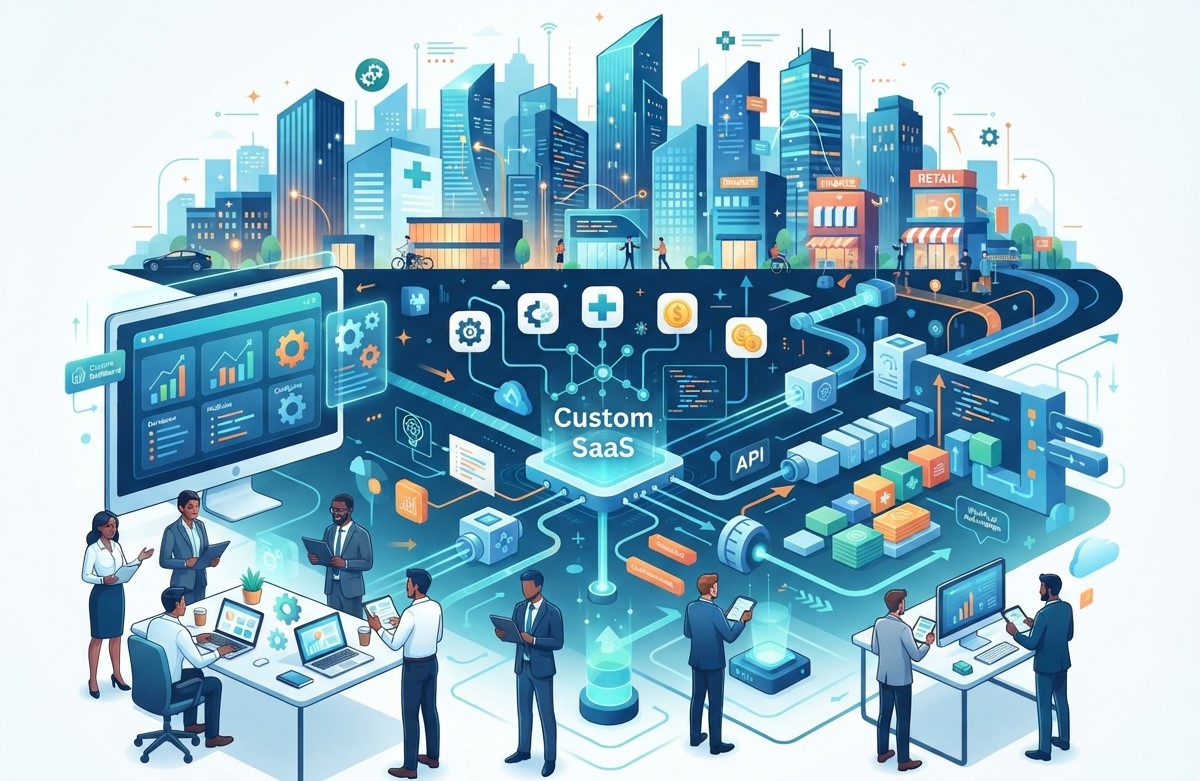
Businesses today need reliable software solutions to manage operations, improve customer experiences, and stay competitive. Custom SaaS Development Services help companies build flexible, cloud-based applications that simplify workflows and support long-term growth. Instead of relying on multiple disconnected tools, businesses can use customized software designed around their specific needs.
From customer relationship management to project management, billing, and business automation, SaaS solutions can improve how teams work every day. With the right development partner, companies can create secure, scalable, and user-friendly applications that deliver measurable value.
SanMo US provides IT solutions and software development services to help businesses explore modern technology opportunities. Through customized SaaS solutions, businesses can improve productivity, reduce operational challenges, and create better digital experiences for their customers.
What Are SaaS Development Services?
SaaS Development Services involve designing, developing, deploying, and maintaining Software as a Service applications. These applications are hosted in the cloud and accessed through the internet, usually with a web browser or mobile device.
Unlike traditional software that may require installation on individual computers, SaaS applications allow users to access their tools from different locations. Businesses can use these platforms for communication, accounting, customer management, project tracking, marketing, and other essential activities.
Custom SaaS development focuses on creating software according to a company’s unique requirements. This approach helps businesses avoid unnecessary features and build solutions that support their actual workflows.
A well-designed SaaS application can include:
- Cloud-based access for teams and customers.
- User accounts and role-based permissions.
- Automated business workflows.
- Secure data storage and management.
- Subscription and payment features.
- Reporting and analytics dashboards.
- Integration with existing business tools.
These features make SaaS applications valuable for startups, small businesses, and growing enterprises.
Why Businesses Need Custom SaaS Development Services
1. Improve Business Productivity
Productivity depends on how efficiently employees complete their daily tasks. When teams use separate tools for communication, reporting, customer management, and operations, work can become complicated.
Custom SaaS applications bring important functions into one centralized platform. Employees can access the information they need without switching between multiple systems.
For example, a company can develop a SaaS platform that combines project management, task assignments, internal communication, and performance tracking. This reduces unnecessary work and helps employees focus on important business activities.
2. Reduce Operational Costs
Traditional software solutions may require expensive infrastructure, maintenance, and regular upgrades. Businesses may also need dedicated technical resources to manage their systems.
Cloud-based SaaS applications can reduce the need for extensive on-site infrastructure. Depending on the solution, businesses can manage software costs through flexible subscription models and scalable cloud resources.
Custom development also helps organizations avoid paying for features they do not need. By investing in a solution designed around their requirements, businesses can make better use of their technology budget.
3. Support Business Growth
As a company grows, its software requirements often change. A basic application may no longer be enough to manage a larger customer base, growing employee teams, or increasing transaction volumes.
Custom SaaS development allows businesses to create a flexible foundation that can evolve over time. New features, integrations, user roles, and reporting tools can be added as the organization expands. This makes SaaS a useful option for companies planning long-term digital growth.
Key Features of Custom SaaS Applications
A successful SaaS platform should provide more than basic functionality. It should be designed to support usability, security, scalability, and business performance.
Cloud-Based Accessibility
Cloud-based applications allow authorized users to access software through an internet connection. This is especially useful for remote teams, distributed businesses, and companies with multiple office locations. Employees can work from different devices while using the same platform and accessing updated information.
User Management and Permissions
Different employees may require different levels of access. A SaaS application can include role-based permissions to control which features and data users can access.
For example, administrators may manage settings, managers may monitor reports, and employees may access assigned tasks. Proper permission management helps improve security and organization.
Business Automation
Automation is one of the most valuable features of SaaS applications. Businesses can automate repetitive tasks such as notifications, data entry, report generation, customer follow-ups, and approval processes. By reducing manual work, automation helps employees spend more time on strategic activities.
Data Analytics and Reporting
Businesses need accurate information to make better decisions. Custom SaaS platforms can include dashboards and reporting features that help teams monitor sales, customer activity, productivity, and operational performance. These insights allow business leaders to identify challenges and make informed decisions.
Third-Party Integrations
Many businesses already use tools for payments, email marketing, accounting, customer management, and communication. Custom SaaS applications can integrate with relevant third-party services through APIs and other supported technologies. These integrations help businesses connect their systems and reduce duplicate data entry.
How SaaS Development Services Boost Business Productivity
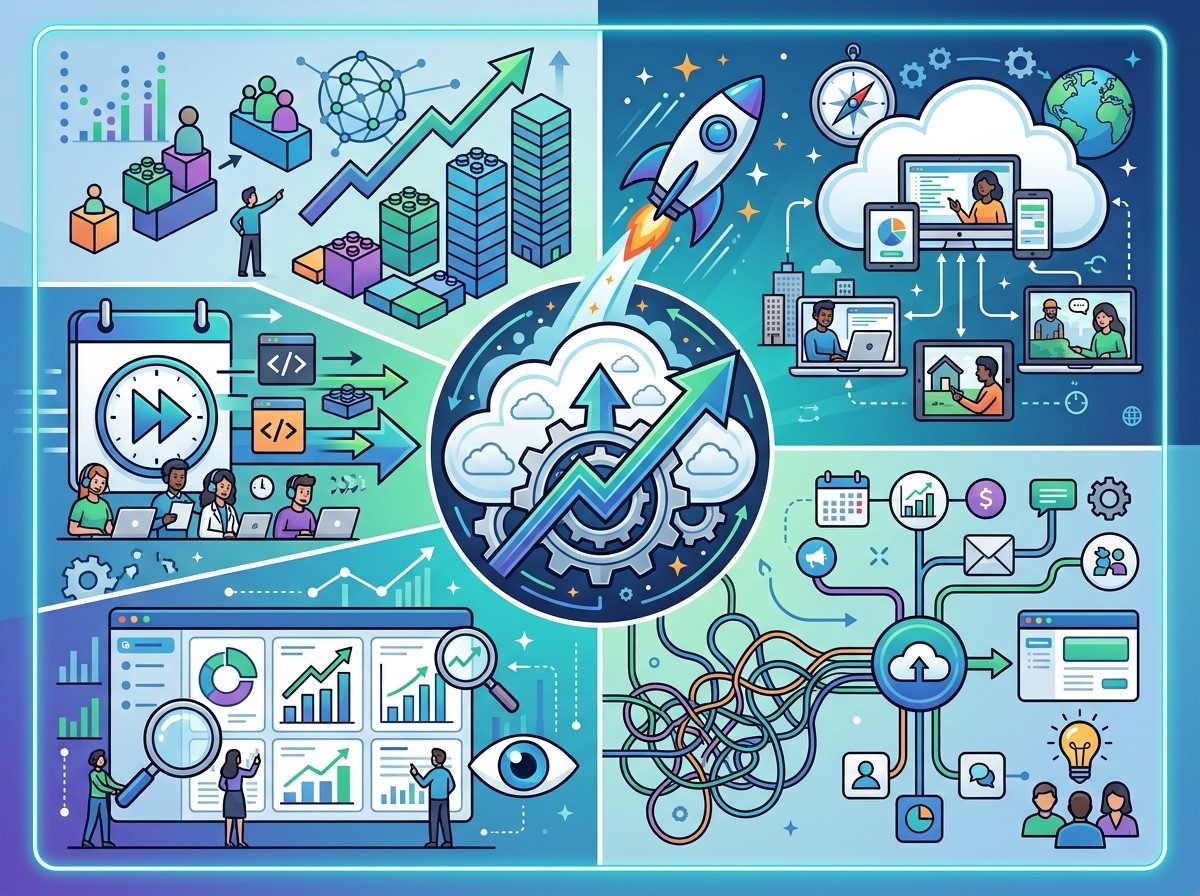
Centralize Business Operations
Managing information across different platforms can create confusion and slow down business processes. A custom SaaS application can bring essential operations into a single digital environment.
For example, a service-based business may use one platform to manage customers, employee tasks, invoices, and project updates. This makes it easier for teams to find information and coordinate their work. Centralized operations also help managers monitor progress and identify bottlenecks.
Automate Repetitive Tasks
Repetitive tasks consume valuable employee time. Manual data entry, routine notifications, approval requests, and recurring reports can reduce productivity when handled entirely by employees. SaaS automation helps businesses create workflows that perform these tasks automatically.
For example, an application can send a notification when a new customer submits a form. It can also assign a task to a team member or update a record when an action is completed. These workflows reduce unnecessary effort and improve consistency.
Enable Remote Collaboration
Modern businesses often operate with remote or hybrid teams. Employees need access to the same information regardless of their location. Cloud-based SaaS applications support remote collaboration by allowing teams to access shared tools and data online.
Project managers can assign tasks, employees can update progress, and business leaders can review performance without requiring everyone to work from the same office.
Improve Customer Service
Customer satisfaction depends on how quickly and accurately businesses respond to customer needs. A custom SaaS application can help companies manage customer information, support requests, communication history, and follow-up activities.
For example, a customer support platform can organize incoming inquiries and assign them to the appropriate team member. This helps reduce missed requests and improves service coordination. Better customer management can also support stronger relationships and customer retention.
Make Better Business Decisions
Data-driven decision-making becomes easier when business information is organized and accessible. Custom SaaS platforms can provide reports on sales, customer activity, employee productivity, and operational performance.
Managers can use these insights to identify trends, improve workflows, and allocate resources more effectively. Instead of relying on scattered spreadsheets or incomplete information, businesses can use centralized data to support their decisions.
Custom SaaS Development Process
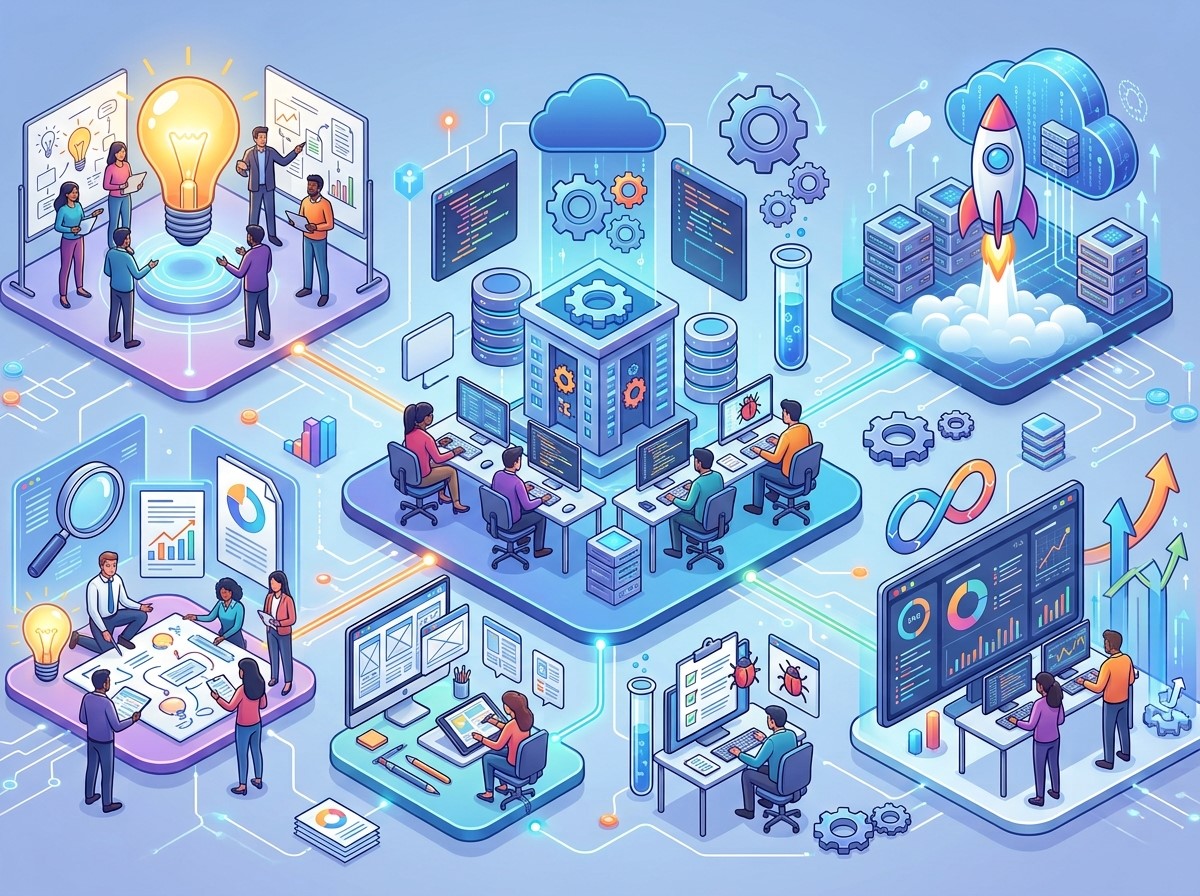 Developing a successful SaaS application requires a structured approach. The development process should focus on business goals, user needs, technical requirements, and future scalability.
Requirement Analysis and Planning
The first stage involves understanding the business problem and defining the purpose of the application. A development team evaluates the target users, required features, business workflows, integrations, and security needs. Clear planning helps establish project priorities and prevents unnecessary development costs.
UI/UX Design
The user interface should be simple, intuitive, and easy to navigate. A well-designed application helps users complete tasks without confusion. During this stage, developers and designers create wireframes, layouts, and user flows. The design should support both desktop and mobile users when required.
Software Development
After planning and design, developers begin building the application. The development process may include frontend development, backend development, database design, API integration, and authentication. The technology stack depends on the application’s requirements, budget, performance goals, and future plans.
Testing and Quality Assurance
Testing helps identify software errors and usability problems before the application is launched. A SaaS platform may require functional testing, security testing, performance testing, compatibility testing, and user acceptance testing. Proper quality assurance helps ensure that the application works as expected.
Deployment and Maintenance
Once the application is ready, it is deployed to a suitable cloud environment. After launch, ongoing maintenance is important. Developers may need to fix bugs, improve security, monitor performance, and introduce new features. Regular updates help keep the platform reliable and aligned with changing business requirements.
SaaS Development Services for Different Industries
Custom SaaS solutions can support businesses across many industries.
Healthcare
Healthcare organizations can use SaaS applications for appointment scheduling, patient communication, administrative workflows, and record management. Healthcare software must be designed with appropriate privacy, security, and regulatory requirements in mind.
E-commerce
E-commerce businesses can use SaaS platforms for inventory management, order processing, customer support, product management, and sales analytics. These tools help online stores manage operations and improve customer experiences.
Education
Educational institutions and online learning businesses can develop SaaS platforms for course management, student communication, assessments, and learning resources. A centralized platform can help teachers, administrators, and students access relevant information.
Financial Services
Financial businesses can use custom SaaS applications for reporting, workflow management, customer relationship management, and internal operations. Security, access controls, and compliance requirements are especially important for financial software.
Professional Services
Consulting firms, marketing agencies, IT companies, and other service providers can use SaaS applications to manage projects, clients, invoices, and employee tasks. These platforms help service businesses improve organization and deliver work more efficiently.
Why Choose SanMo US for SaaS Development?
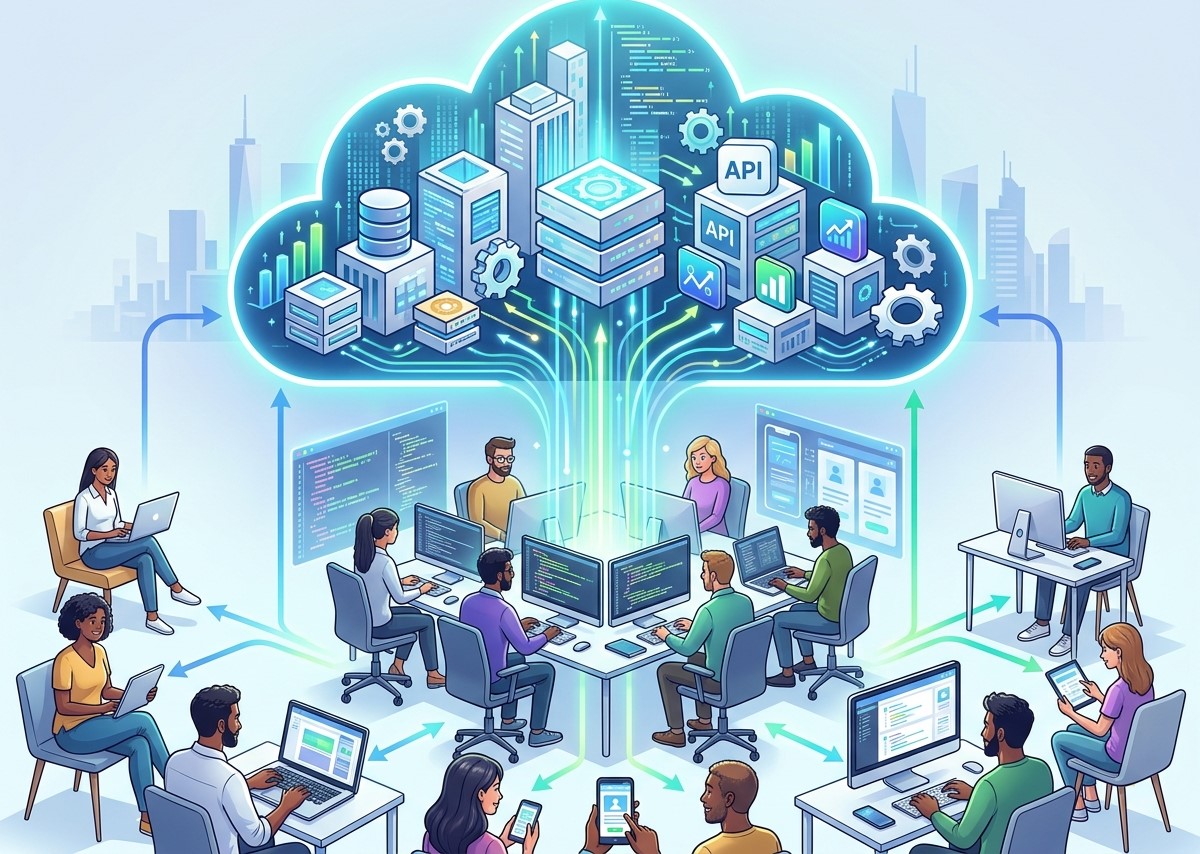 Choosing the right technology partner is important when developing a custom SaaS application. Businesses need a team that understands their requirements and can support the project from planning to ongoing improvements. SanMo US focuses on providing IT solutions and digital technology services for businesses looking to improve their online operations.
Customized Software Solutions
Every business has different workflows and goals. Custom SaaS development allows businesses to build applications based on their specific requirements rather than relying entirely on generic software. SanMo US can help businesses explore tailored software solutions designed around their operational needs.
Focus on Business Efficiency
A SaaS application should solve real business problems. The development process should focus on improving productivity, reducing manual tasks, and supporting better workflows. SanMo US aims to help businesses identify software opportunities that contribute to operational efficiency.
Scalable Technology Approach
Businesses need software that can grow with them. A scalable SaaS solution should support increasing users, data, and business requirements. With proper planning and development, companies can build a foundation for future improvements.
Ongoing Technical Support
Software development does not end at launch. Maintenance, updates, troubleshooting, and performance improvements are important for long-term success. Working with a reliable technology partner can help businesses manage their software more effectively over time.
Best Practices for Successful SaaS Development
Businesses should consider several important factors before starting a SaaS development project.
Define clear business goals: Identify the specific problems the application should solve and the results the business expects.
Start with essential features: A minimum viable product can help businesses test the idea before investing in advanced features.
Prioritize security: Use appropriate authentication, access controls, encryption, and secure development practices.
Focus on user experience: Make the application simple and easy to use for the intended audience.
Plan for scalability: Choose an architecture and infrastructure that can support future growth.
Monitor performance: Track application speed, reliability, and user feedback after launch.
Maintain the software: Regular updates and technical improvements help protect the application and support long-term performance.
Conclusion
Custom SaaS Development Services help businesses create flexible, cloud-based software that supports productivity, automation, and long-term growth. From centralized operations and remote collaboration to customer management and data analytics, SaaS applications can improve many areas of business performance. A custom solution allows companies to build software around their unique requirements while preparing for future expansion. With careful planning, secure development, and ongoing maintenance, businesses can gain greater value from their technology investments.
SanMo US helps businesses explore IT solutions and software development opportunities designed to support modern business needs. If your company is looking to improve productivity through custom software, SaaS development can be a valuable step toward a more efficient digital future.
Frequently Asked Questions (FAQs)
1. What are SaaS Development Services?
SaaS Development Services include the design, development, deployment, and maintenance of cloud-based software applications. These applications are accessed through the internet and can be customized for different business needs.
2. How can custom SaaS applications improve productivity?
Custom SaaS applications improve productivity by centralizing business operations, automating repetitive tasks, supporting collaboration, and providing easy access to important information.
3. What is the difference between SaaS and traditional software?
Traditional software may require installation and maintenance on individual devices. SaaS applications are generally hosted in the cloud and accessed online, making them easier to use across supported devices and locations.
4. Can SaaS applications be customized for my business?
Yes. Custom SaaS applications can be designed around specific business workflows, user requirements, integrations, and operational goals.
5. Is SaaS development suitable for small businesses?
Yes. Small businesses can use SaaS solutions to improve organization, automate tasks, manage customers, and support growth. The application should be planned according to the business’s budget and needs.
6. How long does it take to develop a SaaS application?
Development time depends on the application’s complexity, features, integrations, design, and testing requirements. A simple SaaS product may take less time than a large enterprise platform.
7. Are SaaS applications secure?
SaaS security depends on the development practices, cloud infrastructure, authentication, access controls, and ongoing maintenance used for the application. Security should be considered throughout the development process.
8. Can SaaS software integrate with existing business tools?
Yes. SaaS applications can often integrate with existing tools through APIs and supported integrations. This helps businesses connect their systems and reduce manual data entry.
9. Why should businesses choose custom SaaS development?
Custom SaaS development allows businesses to create software that matches their specific requirements. It can improve workflow efficiency, reduce unnecessary features, and support future business growth.
10. How can SanMo US help with SaaS development?
SanMo US provides IT solutions and software development services for businesses. Companies can explore custom SaaS development options with SanMo US to support productivity, automation, and digital business growth.